The Best Stripe Webhooks for Monitoring Payment Health

Every failed payment starts as an event in Stripe. The question is whether you're listening.
Stripe webhooks are real-time notifications that tell you exactly what's happening with your payments, subscriptions, and customers. Most SaaS founders set up the basics during integration, then never revisit them. That's a mistake. The right webhook configuration can be the difference between catching a payment failure in minutes and discovering lost revenue weeks later.
This guide covers the most important Stripe webhooks for monitoring payment health, organized by what they tell you and how to act on them.
What Are Stripe Webhooks?
Webhooks are HTTP callbacks. When something happens in your Stripe account (a payment succeeds, a card gets declined, a subscription cancels), Stripe sends a POST request to your server with the event details.
Instead of polling the Stripe API every few minutes to check for changes, webhooks push updates to you instantly. This is critical for payment health because timing matters. A failed payment caught in 5 minutes can be retried or the customer can be notified immediately. A failed payment caught in 5 days might already be a cancelled subscription.
The Payment Failure Webhooks (Must-Have)
These are the webhooks you absolutely need if you care about reducing involuntary churn.
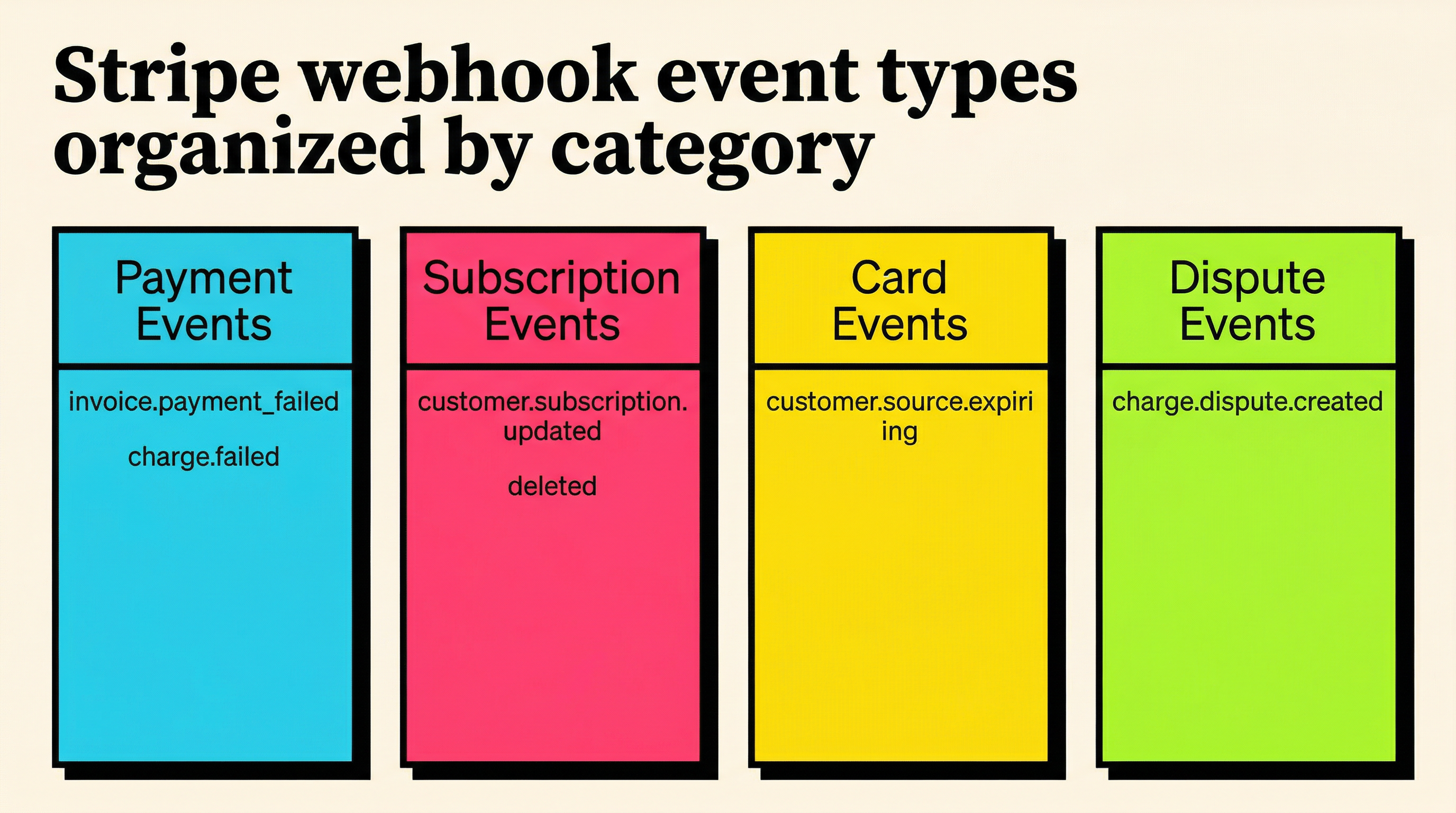
invoice.payment_failed
This is the single most important webhook for payment health. It fires every time Stripe fails to collect payment on an invoice. The event payload includes:
- The invoice details (amount, customer, subscription)
- The failure reason (card declined, insufficient funds, expired card)
- How many times Stripe has attempted the charge
- Whether this is the final attempt
How to use it: Trigger your dunning flow. Send the customer an email explaining the failure. Update their payment status in your app. If it's a final attempt, decide whether to cancel or pause their subscription.
invoice.payment_action_required
This fires when a payment requires additional authentication, typically 3D Secure or Strong Customer Authentication (SCA). The payment isn't failed yet, but it won't succeed without customer action.
How to use it: Send the customer a link to complete authentication. This is especially important for European customers where SCA is mandatory. Without handling this webhook, you'll see payments stuck in an incomplete state.
charge.failed
Similar to invoice.payment_failed but operates at the charge level rather than the invoice level. Useful if you process one-off charges outside of subscriptions.
How to use it: Log the failure reason, notify the customer, and queue a retry if appropriate.
The Subscription Lifecycle Webhooks
These webhooks track the health of your subscriptions over time.
customer.subscription.updated
Fires whenever a subscription changes. This includes status changes (active to past_due, past_due to canceled), plan changes, quantity changes, and trial endings.
How to use it: Monitor the status field in the previous_attributes. When a subscription moves to past_due, that's your early warning. When it moves to canceled or unpaid, that's your signal to update access and trigger win-back flows.
customer.subscription.deleted
Fires when a subscription is fully canceled. At this point, the customer has churned.
How to use it: Revoke access, trigger your offboarding flow, and log the churn event. Cross-reference with invoice.payment_failed to determine if this was voluntary (customer chose to cancel) or involuntary (payment failures led to cancellation).
customer.subscription.trial_will_end
Fires 3 days before a trial ends. This gives you a window to ensure the customer has a valid payment method before the first real charge.
How to use it: Check if the customer has a valid payment method on file. If not, send them a reminder. This prevents the common scenario where a trial converts to a paid subscription, the first charge fails because there's no card, and the customer churns before they even started paying.
The Payment Method Webhooks
Payment method problems are the root cause of most involuntary churn. These webhooks help you catch issues before they cause failures.
customer.source.expiring
Fires when a customer's card is approaching its expiration date. Stripe sends this about a month before expiry.
How to use it: Proactively reach out to the customer and ask them to update their card. This is the cheapest churn prevention you can do. A simple email saying "Your card ending in 4242 expires next month" can prevent a failed payment entirely.
payment_method.automatically_updated
Fires when Stripe's card updater service automatically updates a customer's card details. This happens when a bank issues a replacement card and shares the new details through the card network.
How to use it: Log it for audit purposes. This is actually good news. It means Stripe prevented a potential failure. But you should track the success rate. If many cards aren't being auto-updated, you may need to supplement with manual outreach.
payment_method.detached
Fires when a payment method is removed from a customer. If this is their only payment method, their next invoice will fail.
How to use it: Check if the customer still has a valid payment method attached. If not, prompt them to add one before their next billing cycle.
The Invoice Lifecycle Webhooks
Invoices are the billing engine behind subscriptions. These webhooks give you visibility into the full invoice cycle.
invoice.created
Fires when Stripe creates a new invoice. For subscriptions, this happens at the start of each billing period.
How to use it: This is your opportunity to review the invoice before payment is attempted. You can add invoice items, apply discounts, or flag potential issues (like a customer whose card you know is expired).
invoice.finalized
Fires when an invoice is finalized and ready for payment. After this point, the invoice can't be modified.
How to use it: Send the customer a heads-up that they're about to be charged. This reduces surprise charges and the chargebacks that come with them.
invoice.paid
Fires when an invoice is successfully paid. This is your confirmation that revenue was collected.
How to use it: Update the customer's status, extend their access, and log the payment. If this invoice was previously in a failed state (retried successfully), trigger a recovery confirmation.
invoice.upcoming
Fires a few days before a subscription renews. Unlike invoice.created, this fires before the invoice actually exists.
How to use it: Pre-flight check. Verify the customer's payment method is valid. If you detect a problem, you have time to reach out before the charge fails.
The Dispute and Refund Webhooks
Disputes (chargebacks) and refunds directly impact your revenue and your standing with payment processors.
charge.dispute.created
Fires when a customer disputes a charge with their bank. This is urgent. You typically have 7 to 21 days to respond.
How to use it: Alert your team immediately. Gather evidence (usage logs, communication history, terms of service) and submit a response through Stripe's dispute dashboard. High dispute rates can get your Stripe account flagged or shut down.
charge.refunded
Fires when a charge is refunded, either fully or partially.
How to use it: Update your revenue metrics. If the refund is tied to a subscription, decide whether to cancel the subscription or just credit the current period.
Setting Up Your Webhook Infrastructure
Knowing which webhooks to listen for is half the battle. Here's how to set them up reliably.
Use a Dedicated Endpoint
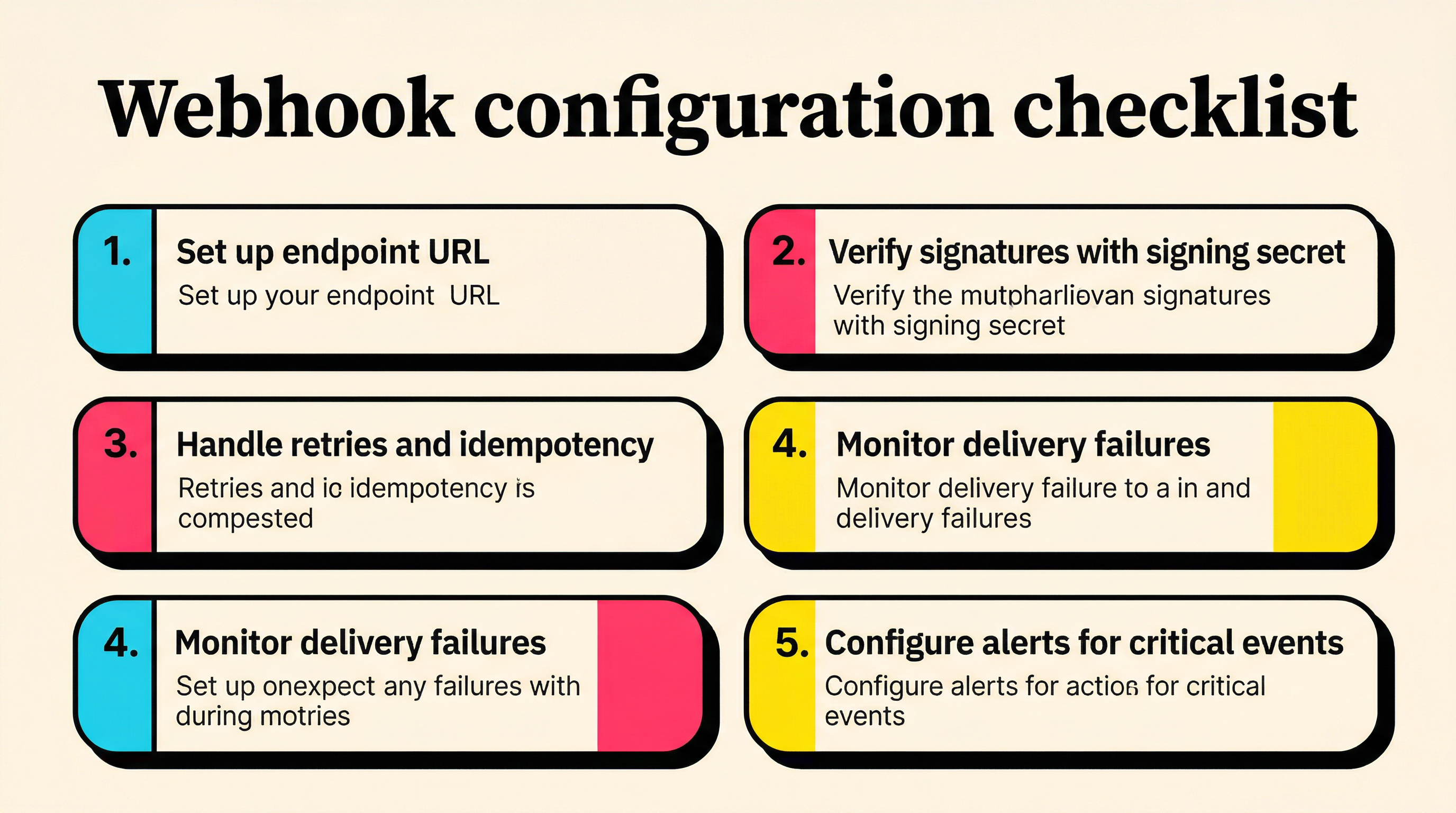
Don't route webhook events to your main application endpoints. Create a dedicated /webhooks/stripe endpoint that:
- Verifies the webhook signature (Stripe signs every event)
- Responds with a 200 status quickly (process events asynchronously)
- Handles duplicate events idempotently (Stripe may retry)
Verify Signatures Always
Stripe signs every webhook event with your endpoint's signing secret. Always verify this signature. Without verification, anyone could send fake events to your endpoint and trigger actions in your system.
const sig = request.headers['stripe-signature'];
try {
  const event = stripe.webhooks.constructEvent(body, sig, endpointSecret);
  // Process the verified event
} catch (err) {
  return response.status(400).send('Signature verification failed');
}
Process Events Asynchronously
Stripe expects a 200 response within a few seconds. If your webhook handler takes too long, Stripe will retry the event, potentially causing duplicate processing.
The pattern: receive the event, store it in a queue (database, Redis, SQS), respond with 200, then process it in a background worker.
Handle Retries and Idempotency
Stripe retries failed webhook deliveries for up to 3 days with exponential backoff. Your handler needs to be idempotent, meaning processing the same event twice should produce the same result.
Use the event ID as a deduplication key. Before processing, check if you've already handled that event ID.
Monitor Your Webhook Endpoint
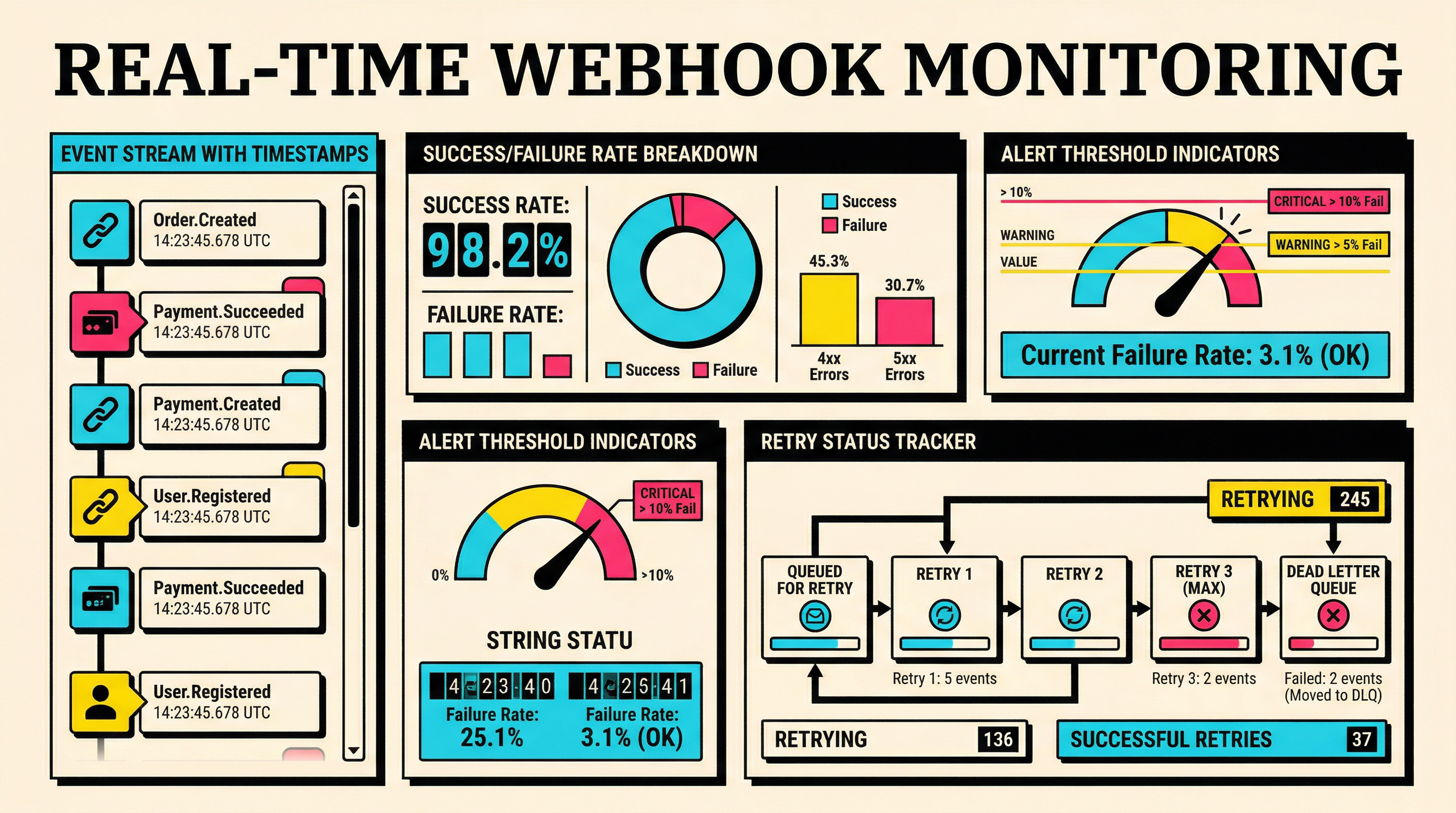
Stripe's dashboard shows webhook delivery success rates. If your endpoint starts failing, you'll miss critical events. Set up monitoring to alert you when:
- Your webhook endpoint returns non-200 responses
- Event processing latency exceeds a threshold
- Specific event types stop arriving (could indicate a configuration change)
Building a Payment Health Dashboard
Once you're receiving the right webhooks, the next step is turning that data into actionable visibility.
Track these metrics from your webhook data:
- Payment success rate: invoice.paid events divided by total invoice events per period
- First-attempt success rate: Payments that succeed on the first try vs. those needing retries
- Recovery rate: Failed payments that eventually succeed (via retry or card update)
- Time to recovery: Average time between invoice.payment_failed and invoice.paid for recovered payments
- Dispute rate: charge.dispute.created events as a percentage of total charges
- Card expiry pipeline: How many customers have cards expiring in the next 30, 60, 90 days
These metrics give you a real-time picture of your payment health. Spikes in failure rates, drops in recovery rates, or increases in disputes all signal problems that need attention.
Common Webhook Mistakes
A few patterns that cause SaaS teams to miss critical payment events:
1. Not listening to enough event types. Most teams only set up invoice.payment_failed and customer.subscription.deleted. That misses the early warning events (customer.source.expiring, invoice.upcoming) that let you prevent failures.
2. Synchronous processing. Processing webhook events inline causes timeouts, which causes Stripe to retry, which causes duplicate processing. Always use a queue.
3. Ignoring the test environment. Set up webhooks in test mode first. Stripe's test mode lets you trigger events manually, which is invaluable for testing your handling logic.
4. No alerting on endpoint failures. If your webhook endpoint goes down, you won't know until customers complain about access issues. Monitor the endpoint itself.
5. Not using the Stripe CLI for local development. The stripe listen command forwards webhook events to your local machine during development. It's much faster than deploying to test each change.
Getting Started
If you're setting up webhook monitoring from scratch, start with these five events:
invoice.payment_failed(catch failures)customer.subscription.updated(track status changes)customer.source.expiring(prevent failures)invoice.upcoming(pre-flight checks)charge.dispute.created(protect your account)
These five cover the most critical payment health signals. Once they're running reliably, add the others based on your specific needs.
If you want to see how your current payment health stacks up, run a free churn audit at churnbot.co/audit. It connects to your Stripe account and shows you exactly where you're losing revenue to failed payments.
Related Posts
Stripe Do Not Honor Recovery: What SaaS Teams Should Do Next

7 Failed Payment Segments Every Stripe Team Should Track
How healthy is your Stripe account?
Get a free churn health report. Find pending cancellations, failed payments, and expiring cards putting your MRR at risk.
Run Free Audit