Stripe Subscription Health Audit: 12 Critical Checks

Your Stripe subscription setup might be costing you revenue right now and you would never know it. Most SaaS founders configure Stripe once during launch, connect a payment form, and never revisit the settings. Months later, they wonder why their involuntary churn rate sits at 5-8% when the industry benchmark is closer to 2-3%.
The difference between those numbers is almost always configuration. Not code bugs. Not bad product. Just settings that were never optimized for subscription longevity.
This stripe subscription audit walks through 12 checks you can run today. Each takes five minutes or less. Together, they form a complete picture of your subscription payment health.
Why a Stripe Subscription Audit Matters
Stripe processes billions of dollars in subscription payments. Its defaults are reasonable for getting started, but they are not optimized for retention. Every SaaS business has unique payment patterns based on customer geography, plan pricing, billing frequency, and card mix.
A subscription health audit catches the gaps between Stripe's defaults and your specific needs. The companies that do this regularly recover 1-3% of MRR that would otherwise disappear to preventable payment failures.
Here are the 12 checks, organized into four categories: Payment Configuration, Recovery Settings, Customer Experience, and Analytics.
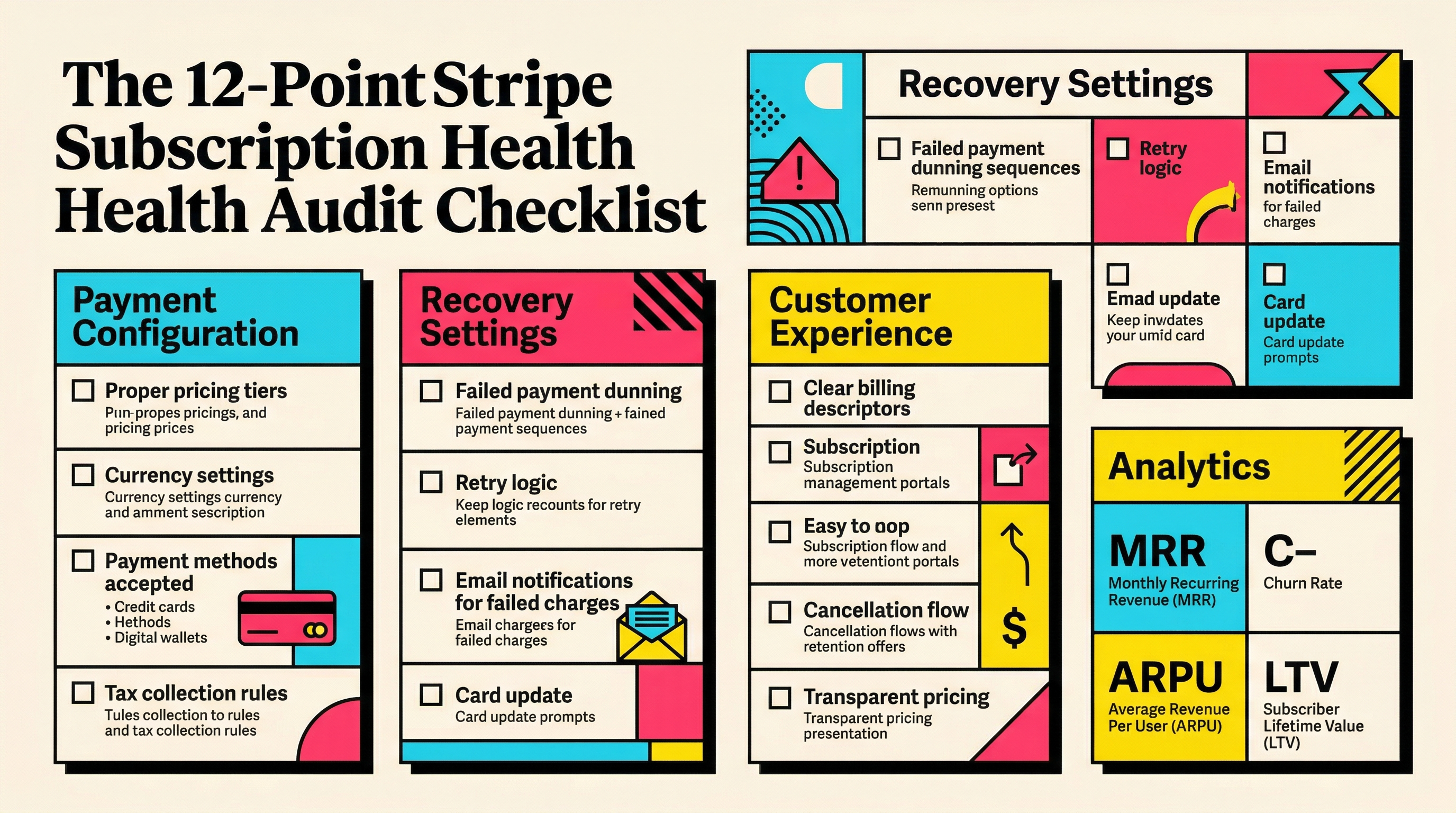
Part 1: Payment Configuration
Check 1: Smart Retries Are Enabled and Configured
Stripe Smart Retries use machine learning to determine the optimal time to retry failed payments. This is the single highest-impact setting for reducing involuntary churn, and it should be on.
To verify: go to Settings > Billing > Subscriptions and emails > Manage failed payments. Confirm that Smart Retries is toggled on.
Smart Retries alone can recover 10-15% of initially failed payments compared to fixed retry schedules. If you are using a custom retry schedule instead, compare your recovery rate against the payment recovery benchmarks for SaaS to see if you are underperforming.
What to look for:
- Smart Retries should be enabled (not a fixed schedule)
- The retry window should be set to at least 7 days, ideally 14
- If you have custom retry logic via webhooks, make sure it does not conflict with Smart Retries
Check 2: Subscription Retry Period Length
Stripe lets you set how long a subscription stays in an "incomplete" or "past_due" state before it gets canceled. The default is often too aggressive.
If your retry window is only 3-4 days, you are cutting off recovery attempts before many banks release holds or customers notice the failure. Most successful SaaS businesses use a 7-14 day window.
Check your settings under Billing > Subscriptions > Manage failed payments and look at the "Cancel subscriptions" timing. If it says anything under 7 days, extend it.
The math: if you recover even 5% more failed payments by extending from 4 days to 14 days, and your average customer pays $50/month, every 100 failed payments saves $250/month in otherwise-lost MRR.
Check 3: Payment Method Types Accepted
Are you only accepting cards? Stripe supports bank debits (ACH, SEPA), digital wallets (Apple Pay, Google Pay), and regional methods like iDEAL or Bancontact.
Digital wallets have 2-3% higher success rates than manually entered card numbers because the tokenized card data is always current. Apple Pay and Google Pay automatically update when a customer gets a new card. That means fewer expired card failures.
To check: go to Settings > Payment methods and review which methods are enabled for your subscription products. At minimum, you should have cards plus Apple Pay and Google Pay enabled.
For businesses with European customers, enabling SEPA Direct Debit can reduce decline rates by 40-60% for those customers compared to card payments.
Check 4: Billing Anchor and Proration Settings
Billing anchor dates determine when subscriptions renew. If you are not setting them intentionally, customers who sign up on the 31st of a month hit edge cases in shorter months.
Check your subscription creation code or Stripe dashboard for:
- Are you using
billing_cycle_anchorto normalize renewal dates? - Is proration enabled for plan changes? (it should be, to avoid confusion)
- Are trial-to-paid conversions aligned with your retry schedule?
Misaligned billing anchors cause payment attempts at unexpected times, which increases insufficient funds declines. If your customers are salaried employees paying with personal cards, anchoring renewals to the 1st or 15th of the month (after payday) can measurably improve success rates.
Part 2: Recovery Settings
Check 5: Dunning Email Configuration
Stripe can send automated emails when payments fail. These emails are surprisingly effective when configured properly, and surprisingly absent by default in many accounts.
Go to Settings > Billing > Subscriptions and emails > Customer emails. You should see options for:
- Failed payment notification (send immediately on first failure)
- Upcoming renewal reminder (send 3-7 days before renewal)
- Expiring card notification (send 30 days before expiry)
All three should be enabled. The upcoming renewal reminder alone prevents a percentage of failures because customers who see the reminder check their card status proactively.
If you are not sure whether your dunning emails are performing well, compare your approach against these strategies for improving dunning email open rates.
Check 6: Customer Portal Payment Update Flow
When a payment fails, the customer needs to update their card. How easy is that process?
Stripe offers a hosted Customer Portal where subscribers can update payment methods, view invoices, and manage their subscription. If you have not enabled it, every failed payment requires a manual support interaction.
To check: go to Settings > Billing > Customer portal. Verify that:
- The portal is enabled
- Payment method updates are allowed
- The portal link is included in your dunning emails
- The branding matches your product (logo, colors)
Every extra click or email exchange between failure and card update reduces your recovery rate. The best recovery flows get customers from "your payment failed" to "card updated" in under 60 seconds.
Check 7: Webhook Reliability for Payment Events
Webhooks are how Stripe tells your application about payment events. If your webhook endpoint is unreliable, you miss critical signals.
Check your webhook health at Developers > Webhooks. Look for:
- Success rate above 99% (anything below means you are missing events)
- No disabled endpoints
- Key events are subscribed:
invoice.payment_failed,invoice.payment_succeeded,customer.subscription.updated,customer.subscription.deleted
A common mistake: setting up webhooks during development, then deploying to production with a different URL and forgetting to update Stripe. Your development endpoint silently fails, and you never know payments are failing.
Also verify that your webhook secret is rotated periodically and that you are verifying signatures. This is a security check, not a revenue check, but compromised webhooks can cause subscription state mismatches.
Part 3: Customer Experience
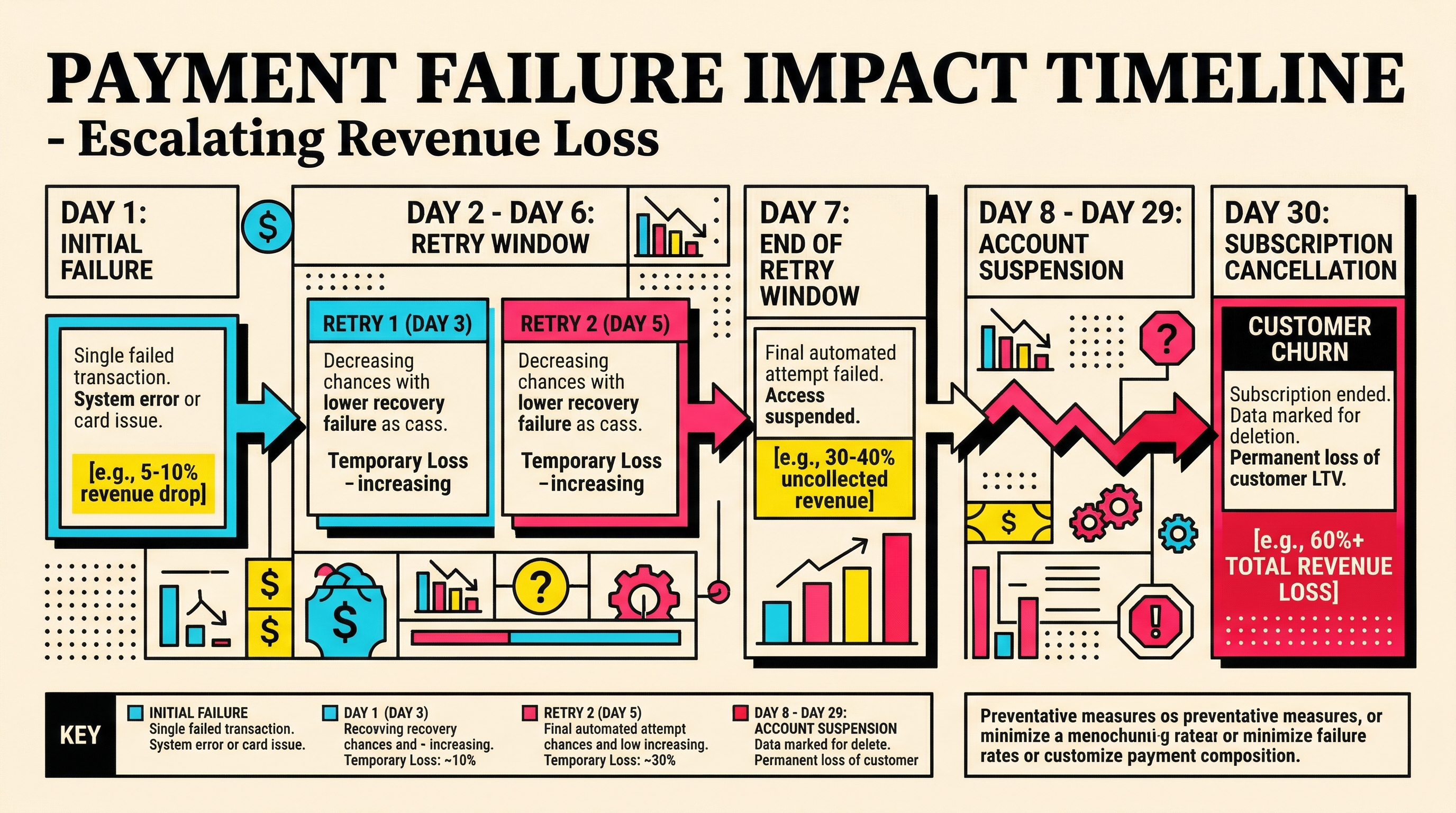
Check 8: Grace Period Behavior
What happens to the customer's access when a payment fails? This is one of the most important decisions in your subscription setup, and many founders never make it deliberately.
There are three common approaches:
- Immediate restriction: cut access on first failure (aggressive, high churn risk)
- Grace period: maintain access for 7-14 days while retries happen (recommended)
- No restriction: never restrict access for payment issues (too lenient for most)
Option 2 is the sweet spot for most SaaS. Check your application code to see what happens when Stripe sends an invoice.payment_failed event. If your code immediately downgrades or locks the account, you are losing customers who would have been recovered by Smart Retries.
The data is clear: customers who lose access during a payment failure are 3-5x less likely to update their card than those who retain access with a gentle in-app notification.
Check 9: In-App Payment Failure Notifications
Dunning emails are necessary but not sufficient. Customers spend more time in your app than in their inbox.
Check whether your application shows a banner or notification when a subscription payment has failed. The best implementations:
- Show a non-blocking banner at the top of the dashboard
- Include a direct link to update the payment method (Stripe Customer Portal or your own form)
- Escalate the urgency as the grace period progresses (day 1: gentle, day 10: urgent)
- Disappear automatically when payment succeeds
If your app has no in-app payment failure notification, you are relying entirely on email to communicate a billing problem. Given that the average email open rate for transactional emails is 40-50%, half your failed-payment customers may never see the notification.
Check 10: Card Update Experience on Mobile
Pull out your phone and try to update your payment method through your app's flow. Time it.
If it takes more than 3 taps and 60 seconds, you are losing mobile recoveries. Many SaaS products have a smooth desktop card update experience but a broken or awkward mobile flow. Since over 50% of email opens happen on mobile, a significant portion of customers who click your dunning email's "update payment" link are doing so on their phone.
Check for:
- Does the Stripe Customer Portal render well on mobile?
- If you use a custom payment form, is it responsive?
- Do saved payment methods (Apple Pay, Google Pay) work on mobile?
- Is the "update payment" link deep-linked or does it require a login?
Requiring a fresh login to update a payment method after clicking a dunning email link is one of the biggest conversion killers in payment recovery.
Part 4: Analytics and Monitoring
Check 11: Failed Payment Monitoring Dashboard
You cannot fix what you do not measure. Do you have visibility into your payment failure rate, recovery rate, and involuntary churn in real time?
At minimum, you should be tracking:
- Payment failure rate: percentage of subscription invoice attempts that fail (healthy: under 5%)
- Recovery rate: percentage of failed payments that are eventually recovered (healthy: 60-70%)
- Time to recovery: average days between first failure and successful retry (healthy: 3-5 days)
- Involuntary churn rate: percentage of subscribers lost to payment failures (healthy: under 2% monthly)
Stripe's built-in analytics show some of this in the Dashboard under Revenue > Recovery. But for a complete picture, you need to track these metrics over time and segment by plan, geography, and payment method.
If you do not have a monitoring setup, even a simple weekly export from Stripe filtered to failed invoices gives you a starting point.
Check 12: Decline Code Analysis
Not all payment failures are equal. A do_not_honor decline from an issuing bank requires a different response than an insufficient_funds decline.
Pull your last 90 days of failed payments from Stripe and categorize them by decline code. You should see patterns:
- Insufficient funds (typically 30-40% of failures): these are the most recoverable. Retrying 2-5 days later catches many of these after the customer's next paycheck or bank transfer clears.
- Card expired (15-25%): entirely preventable with proactive card expiry alerts. If this is your top decline reason, enable Stripe's card expiry emails immediately.
- Do not honor / generic decline (15-20%): harder to recover. These often require the customer to call their bank or use a different card.
- Fraud-related (5-10%): if your fraud decline rate is above 10%, check your Stripe Radar rules. Overly aggressive fraud rules decline legitimate subscription renewals.
The distribution tells you where to invest. If 25% of your failures are expired cards, building a pre-expiry notification flow has 10x the impact of optimizing your retry schedule.
Running Your Audit: The 30-Minute Plan
You do not need to do all 12 checks in one sitting. Here is a prioritized approach:
Week 1 (15 minutes): Checks 1, 2, and 5. These are the highest-impact settings and only require toggling options in the Stripe dashboard.
Week 2 (15 minutes): Checks 3, 6, and 11. Enable additional payment methods, set up the Customer Portal, and review your failure metrics.
Week 3 (30 minutes): Checks 7, 8, and 9. These require code changes or coordination with your engineering team.
Week 4 (30 minutes): Checks 4, 10, and 12. Fine-tuning billing anchors, mobile experience, and decline code analysis.
After the initial audit, revisit these checks quarterly. Payment patterns shift as your customer base grows and evolves geographically.
What Good Looks Like
After running this stripe subscription audit, here are the benchmarks to aim for:
| Metric | Needs Work | Acceptable | Excellent |
|---|---|---|---|
| Payment failure rate | >8% | 4-8% | <4% |
| Recovery rate | <50% | 50-65% | >65% |
| Involuntary churn | >3% | 1.5-3% | <1.5% |
| Time to recovery | >10 days | 5-10 days | <5 days |
| Card expiry % of failures | >25% | 15-25% | <15% |
If your numbers are in the "Needs Work" column for any metric, the corresponding checks in this audit will point you to the fix.
Start With a Baseline
Before changing anything, take a snapshot of your current metrics. This gives you a clear before-and-after to measure the impact of each change.
If you want an automated baseline that pulls your actual Stripe data and highlights the specific areas costing you revenue, run a free churn audit at ChurnBot. It takes two minutes to connect and gives you a prioritized report of what to fix first.
Related Posts
Stripe Insufficient Funds Recovery: A Playbook for SaaS Teams
Stripe Do Not Honor Recovery: What SaaS Teams Should Do Next

7 Failed Payment Segments Every Stripe Team Should Track
How healthy is your Stripe account?
Get a free churn health report. Find pending cancellations, failed payments, and expiring cards putting your MRR at risk.
Run Free Audit