The Complete Payment Recovery Checklist for SaaS Founders
Failed payments cost SaaS businesses between 2-9% of MRR every single month. Most of that revenue is recoverable, but only if you have the right systems in place. This payment recovery checklist gives you a step-by-step framework to plug the leaks in your subscription revenue.
Whether you're just starting to think about payment recovery or you're looking to optimize an existing dunning strategy, this checklist covers everything from technical setup to customer communication to ongoing monitoring.
Before You Start: Understanding the Baseline
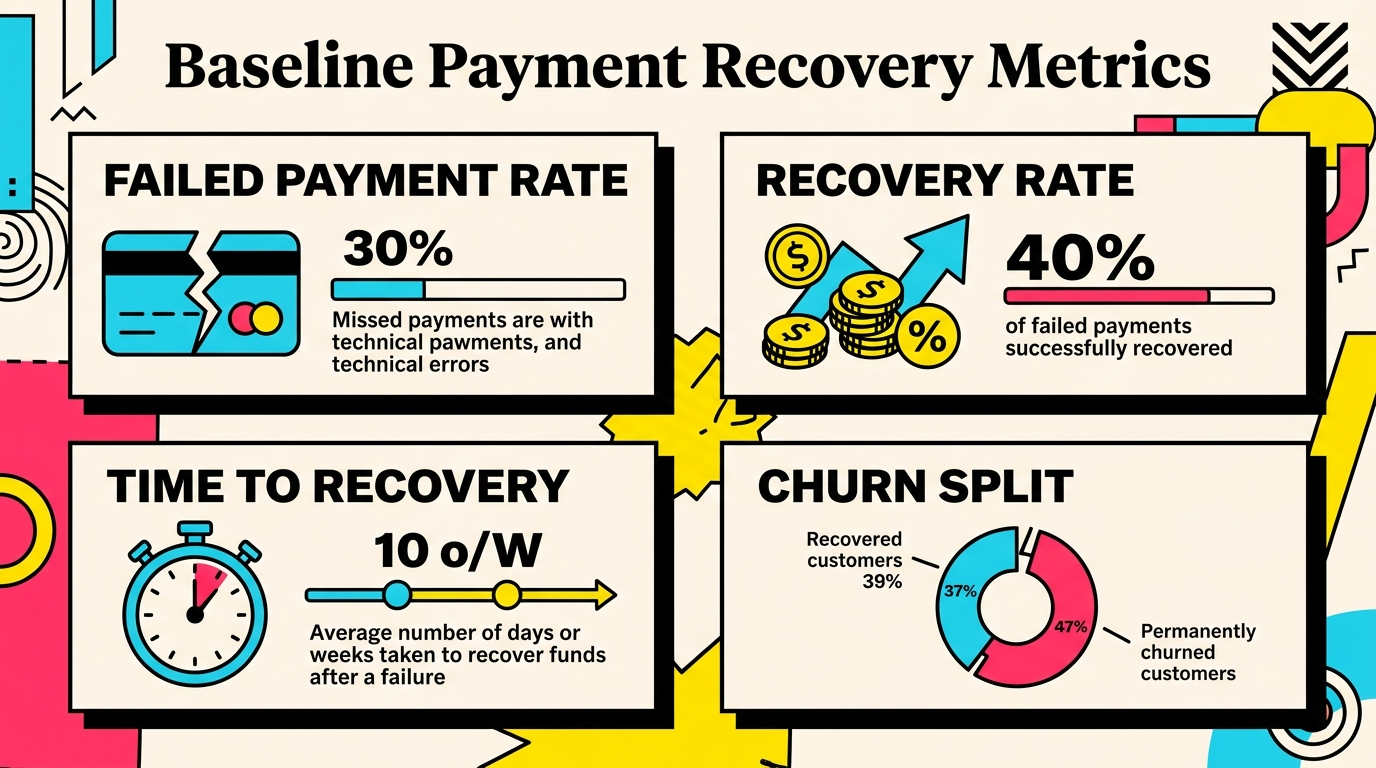
Before implementing any payment recovery system, you need to know where you stand. These baseline metrics tell you how much revenue is at risk and where to focus first.
Calculate Your Current Numbers
Voluntary vs involuntary churn breakdown. Pull your churn data for the last 90 days. What percentage of lost customers left because of payment failures versus intentional cancellations? If you're seeing more than 20-30% of total churn coming from failed payments, you have a significant recovery opportunity.
Failed payment rate. Look at all payment attempts in the last month. What percentage failed on first attempt? Industry average is 10-15%, but rates above 20% signal deeper issues with card quality, fraud settings, or billing logic.
Current recovery rate. Of the payments that fail initially, what percentage eventually succeed? Without any recovery system, natural recovery (customers fixing it themselves) typically sits at 15-25%. Good recovery systems push this to 60-70%.
Average time to recovery. When failed payments do get recovered, how long does it take? Faster recovery means less service disruption and fewer support tickets.
Document these numbers. They're your before-state and the benchmark you'll improve against.
Section 1: Technical Infrastructure Setup
Your payment recovery starts with solid technical foundations. These are the building blocks everything else relies on.
Webhook Configuration
Enable all payment-related webhooks. At minimum, you need: invoice.payment_failed, invoice.payment_action_required, customer.subscription.updated, payment_intent.payment_failed, and charge.failed. Missing webhooks mean missing recovery opportunities.
Set up webhook monitoring. Configure alerts for webhook delivery failures. If Stripe can't reach your endpoint, you won't know about failed payments until customers complain.
Build idempotency handling. Stripe can send the same webhook multiple times. Make sure your system handles duplicates gracefully without triggering multiple recovery attempts or customer emails.
Test with Stripe CLI. Use stripe trigger commands to simulate failures and verify your system responds correctly. Test both soft declines (insufficient funds) and hard declines (stolen card).
Retry Logic Configuration
Configure Stripe Smart Retries. Go to Settings → Billing → Subscriptions and Revenue Recovery in your Stripe dashboard. Smart Retries automatically attempts payment recovery at optimal times based on issuer data.
Understand the retry schedule. Stripe Smart Retries typically attempts recovery 4 times over 2-3 weeks, with timing optimized per card issuer. Don't add your own retry logic on top—it creates conflicts.
Set the grace period correctly. This determines how long subscriptions remain active after payment failure. Too short (3-7 days) increases involuntary churn. Too long (30+ days) lets bad debt accumulate. Most successful SaaS companies use 7-14 days.
Configure payment method handling. Enable automatic payment method updates for participating issuers. This catches expired cards and bank-issued replacements before they cause failures.
Card Update Infrastructure
Implement Stripe Billing Portal. This self-service interface lets customers update payment methods with zero engineering effort. Enable it in Settings → Billing → Customer portal.
Create direct update links. Generate session URLs that take customers straight to payment method update. Use these in dunning emails instead of making customers navigate to settings.
Add in-app prompts. Display payment method update prompts when customers log in with an overdue invoice. Make the CTA prominent: "Update Payment Method" with a clear indication of the failed charge amount.
Support multiple payment methods. Let customers add backup cards. Stripe can automatically fall back to secondary methods when primary fails. This alone can improve recovery rates 15-20%.
Section 2: Customer Communication Strategy
Technical setup handles the retry logic. Communication gets customers to actually update their cards.
Email Sequence Design
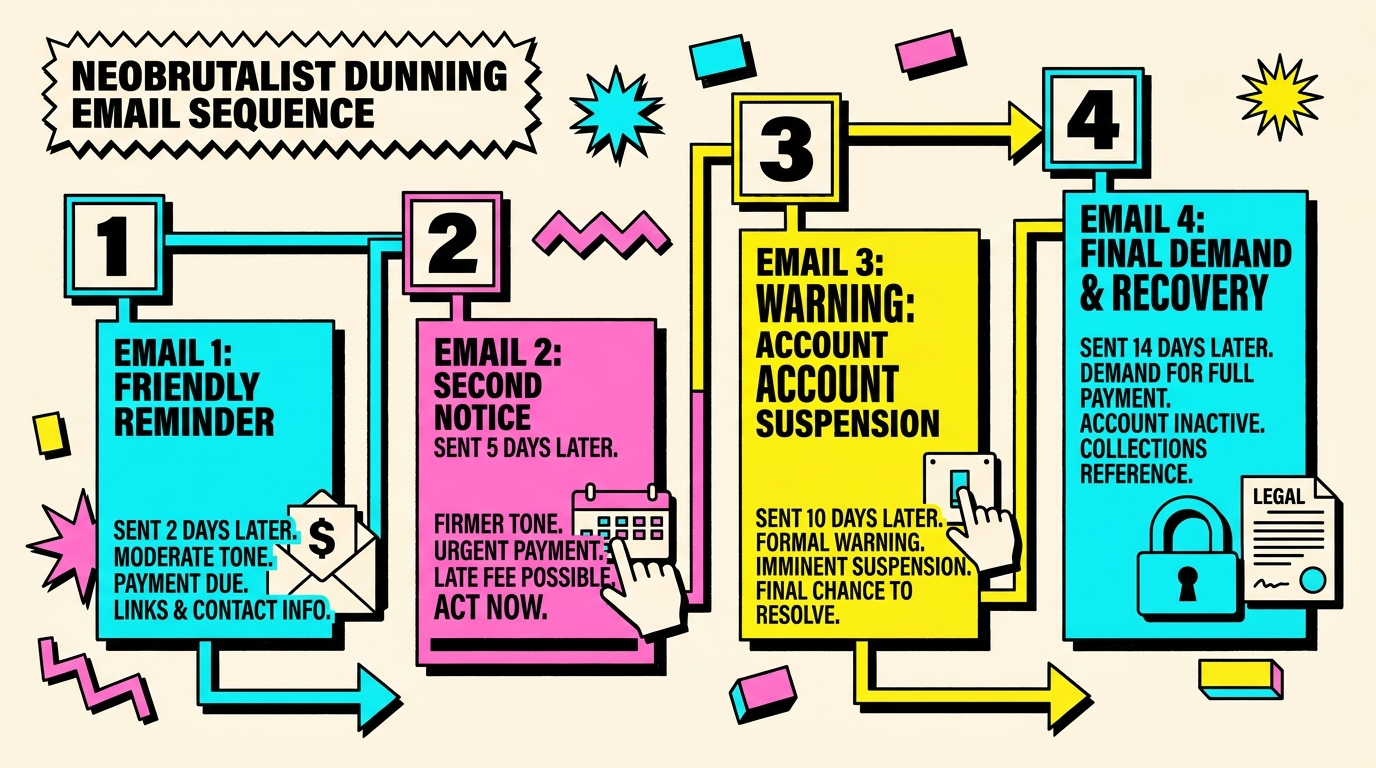
Pre-dunning notification (optional). Send a heads-up 3-5 days before renewal for high-value customers or those with previous payment issues. Include current card last-4 and renewal amount. This prevents surprises.
First failure notification (Day 0). Send immediately when payment fails. Tone: helpful, not alarming. Subject line: "Payment update needed for [Product Name]." Include specific decline reason if available, one-click update link, and exact retry timing.
Follow-up reminder (Day 3-5). Assume they missed the first email. Subject line: "Reminder: Update your payment method." Add urgency gently: "Your subscription pauses in X days." Repeat the one-click update link.
Final notice (Day 7-10). This is last chance before cancellation. Subject line: "Final notice: Your [Product Name] subscription ends in X days." Acknowledge the situation, express that you value them, provide update link, and mention what they'll lose access to.
Cancellation confirmation (Day 14+). After subscription ends, confirm cancellation but leave the door open. Subject: "Your [Product Name] subscription has ended." Offer easy reactivation and ask if there was an issue beyond payment.
Messaging Best Practices
Lead with the solution, not the problem. Don't open with "YOUR PAYMENT FAILED." Start with "Let's keep your [Product Name] account active" or "Quick payment update needed."
Be specific about consequences. Vague warnings like "you may lose access" don't motivate action. Instead: "Your account pauses in 5 days. You'll lose access to [specific features customers actually use]."
Remove friction completely. Every click between email and updated card costs you 30-40% drop-off. Use Stripe's billing portal session URLs that go directly to payment update, pre-authenticated.
Personalize based on decline code. Insufficient funds needs a different message than expired card. Stripe decline codes tell you the exact issue. Tailor your message accordingly.
Time emails strategically. Send the first notification 2-4 hours after failure, not immediately. This gives legitimate technical issues time to resolve. Avoid late night and weekend sends when customers can't access their cards.
Multi-Channel Recovery
In-app notifications. Display a persistent banner when customers log in with failed payment. Show it on every page until resolved. Make the update button impossible to miss.
SMS for high-value customers. Text messages have 90%+ open rates versus 20% for email. For customers over $500/month MRR, a simple "Hi [Name], we couldn't process your payment. Update here: [link]" recovers 20-30% more.
Manual outreach for enterprise. Accounts over $2,000/month warrant a phone call or direct email from your account manager. Failed payments at this level often stem from procurement issues, not forgotten cards.
Section 3: Prevention Before Recovery
The best payment recovery is preventing failures in the first place. These proactive measures stop problems before they cost you revenue.
Card Expiry Management
Build an expiry alert system. Pull all cards expiring in the next 60 days. Send update requests 45 days, 30 days, and 14 days before expiration. Card expiry management is the lowest-hanging fruit in churn prevention.
Enable Stripe Account Updater. This service automatically updates expired cards for participating banks. It's free, catches 20-40% of expiries, and requires zero customer action. Turn it on in Settings → Billing → Card account updater.
Offer annual billing. Customers paying annually hit expiry situations 12x less often than monthly subscribers. This single change can reduce payment failures by 40%.
Card Quality Signals
Monitor prepaid and virtual card usage. These card types fail 2-3x more often than traditional credit cards. Consider requiring backup payment methods for customers using prepaid cards.
Track international cards. Cross-border payments have higher decline rates. Add region-specific payment methods (SEPA direct debit in Europe, ACH in US) to give customers lower-friction options.
Flag high-risk card patterns. Cards with previous failure history, mismatched billing addresses, or unusual velocity patterns predict future failures. Require extra verification upfront.
Billing Logic Optimization
Align billing dates with likely funds availability. If your customer base skews toward small businesses, avoid billing on 1st of month when rent hits accounts. Mid-month billing (15th-20th) sees better success rates.
Stagger renewal attempts. Don't process all subscriptions at midnight UTC. Spread attempts across 24 hours to avoid bank anti-fraud systems flagging synchronized charges as suspicious.
Implement price change previews. When prices increase or usage spikes will cause higher charges, warn customers 5-7 days ahead. Surprise charges fail at 2x the rate of expected ones.
Section 4: Monitoring and Optimization
Payment recovery isn't set-it-and-forget-it. Ongoing monitoring catches issues early and identifies optimization opportunities.
Weekly Metrics Review
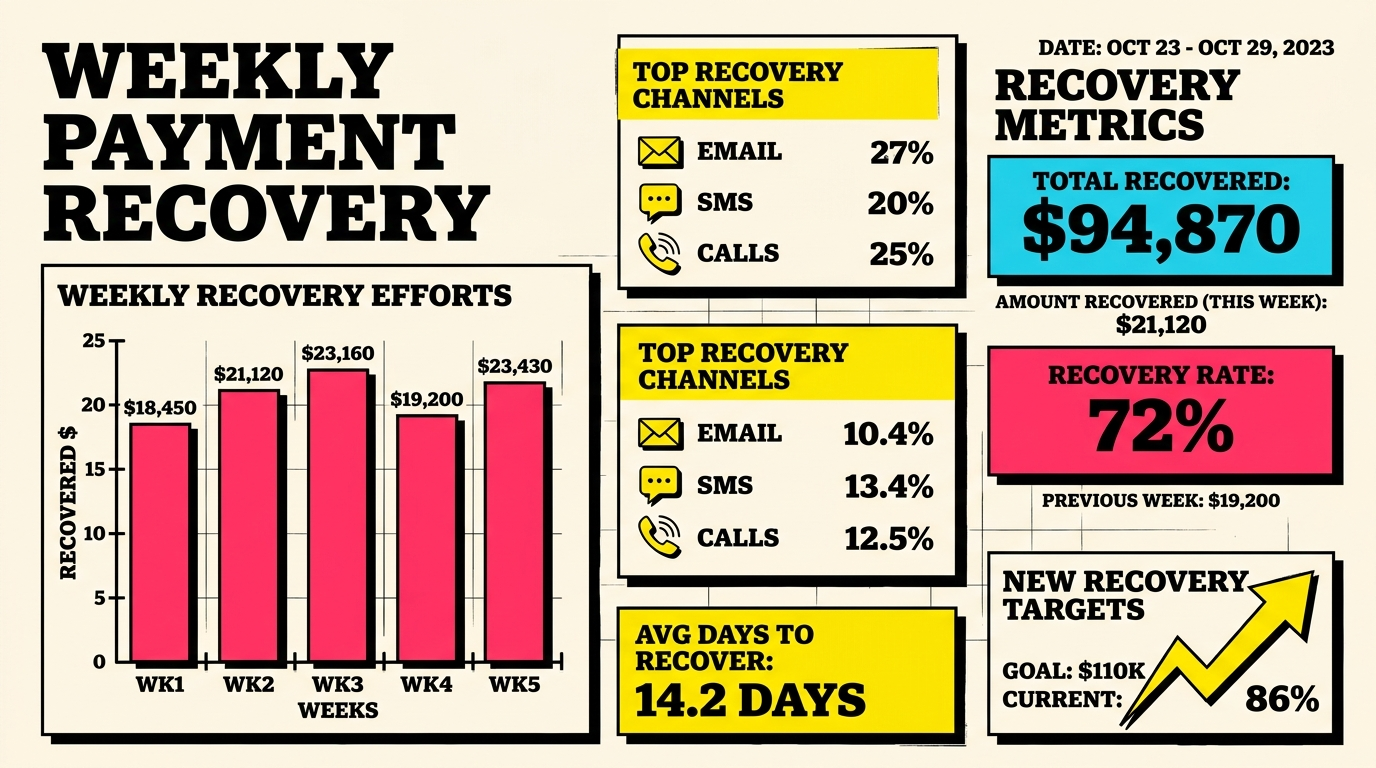
Failed payment rate trend. Plot this weekly. Sudden spikes indicate technical issues, fraud prevention false positives, or bad card batches. Investigate any week-over-week increase above 20%.
Recovery rate by channel. Break down which recovery methods work: Stripe retries, email, in-app prompts, SMS. Double down on what converts, eliminate what doesn't.
Time to recovery distribution. How long does successful recovery take? If most happens in first 48 hours, your grace period might be too long. If recoveries happen late in the cycle, extend your dunning sequence.
Decline code distribution. Which failure types are you seeing most? If "insufficient funds" dominates, retry timing matters most. If "expired card" leads, focus on expiry prevention. If "do not honor" is high, you have a fraud or card quality issue.
Monthly Deep Dives
Cohort analysis. Do payment failures cluster in specific customer segments? New signups, annual renewals, certain plans, or geographic regions? Segment-specific problems need segment-specific solutions.
Revenue at risk calculation. Sum up MRR from all currently failed subscriptions still in recovery. This number tells you how much is on the line. Track it month-over-month to see if your recovery efforts are working.
False positive review. Pull accounts that failed payment then immediately canceled. Some aren't recovery opportunities, they're customers using payment failure as cancellation. High rates here suggest your cancellation flow has friction.
A/B test results. Run ongoing tests on dunning email subject lines, CTA wording, sending times, and sequence timing. Small optimizations compound: a 5% improvement in email conversion adds up to thousands in recovered MRR.
Quarterly Strategic Reviews
Recovery system audit. Review your entire payment recovery stack. Are webhooks all still working? Is retry logic behaving as expected? Have you added new features customers might lose access to that should be mentioned in dunning emails?
Benchmark against industry. How does your failed payment rate and recovery rate compare to similar SaaS businesses? If you're performing below benchmark, there's room for improvement. If you're above, document what's working and double down.
Customer feedback analysis. Read support tickets related to billing issues and payment failures. Are customers confused by your dunning emails? Do they struggle to update cards? This qualitative data reveals friction your metrics miss.
Section 5: Advanced Tactics
Once the basics are solid, these advanced strategies squeeze out additional recovery percentage points.
Intelligent Retry Timing
Day-of-week optimization. Analyze your data to find which days have highest retry success rates. For B2B SaaS, Tuesday-Thursday often works better than Monday or Friday. For consumer products, weekends sometimes outperform weekdays.
Time-of-day targeting. Retries at 9 AM-11 AM in customer's local timezone have higher success than middle-of-night attempts. Banks are more likely to approve during business hours.
Post-payday timing. If you know your customers' payment cycles (1st and 15th for salaried workers, Fridays for hourly), schedule retries 1-2 days after. Accounts have funds, banks are less conservative.
Recovery Incentives
Grace period extensions. For customers who engage with dunning emails but don't update immediately, offer 3-5 extra days. This shows good faith and gives legitimately busy customers breathing room.
Discount offers (use sparingly). As absolute last resort before cancellation, offering 10-20% off next invoice can recover customers where payment failure was cover for price concerns. Only do this for high-value customers and make it one-time.
Reactivation campaigns. 30-60 days after cancellation due to failed payment, reach out with reactivation offer. 5-10% of these customers will come back, especially if original failure was temporary circumstance (job loss, card theft).
Integration Enhancements
Connect CRM data. Push failed payment events to your CRM so account managers see at-risk revenue immediately. Enterprise customers often need personal follow-up, not just automated emails.
Leverage product analytics. Identify highly engaged users with failed payments. These are your highest-recovery-probability targets. Send them different messaging emphasizing what they'll lose.
Build custom dashboards. Don't rely solely on Stripe's built-in reporting. Create views showing: revenue at risk by customer segment, recovery funnel conversion rates, and weekly cohort performance. Visibility drives action.
Section 6: When to Escalate or Cancel
Knowing when to stop recovery attempts is as important as knowing when to start.
Clear Cancellation Criteria
Hard decline codes. Certain Stripe decline codes indicate permanent failure: stolen card, lost card, restricted card. Stop automated recovery immediately. One final email explaining the situation and offering reactivation when they're ready.
Multiple soft declines. After 3-4 retry attempts for insufficient funds or generic decline, chances of recovery drop below 5%. Continue light touch communication (monthly check-ins) but stop active retries.
Customer explicitly requests cancellation. If they reply to dunning email asking to cancel, honor it immediately. Don't use payment failure as retention lever for customers who want to leave.
Graceful Offboarding
Data retention notification. Tell canceled customers how long you keep their data and what happens to it. Offer export options. This maintains trust for potential future reactivation.
Exit survey. Ask why they left, even if payment failure was the trigger. Often there are product or pricing issues underneath. This feedback improves retention for remaining customers.
Keep account structure. Don't delete accounts for 90-180 days after payment cancellation. Make reactivation frictionless—one-click card update and they're back. Requiring re-signup kills 60-70% of would-be reactivations.
Putting It All Together
This payment recovery checklist covers a lot of ground, but you don't need to implement everything at once. Start with Section 1 (technical setup) and Section 2 (customer communication). These two create 70-80% of the value.
Once those are running smoothly, add prevention tactics from Section 3. After three months of data, layer in the monitoring and optimization from Section 4. Save advanced tactics for when you've optimized the fundamentals.
The typical timeline: basic recovery system up and running in 2-4 weeks, full implementation across all sections in 2-3 months, ongoing optimization forever.
Remember: every percentage point of improvement in recovery rate is pure margin. There's no cost of goods sold on recovered revenue. For a SaaS business doing $100k MRR with a 12% failed payment rate and current 40% recovery, improving recovery to 60% adds $2,400/month in found revenue. That compounds to nearly $29k annually.
Next Steps
If you want to understand exactly where your payment recovery system stands right now, run a free churn audit at churnbot.co/audit. It analyzes your Stripe account and shows you:
- Your current failed payment rate and recovery rate
- Exactly how much MRR you're losing to involuntary churn
- Specific improvement opportunities ranked by potential impact
- Comparison against similar SaaS businesses
The audit takes 60 seconds and requires no installation. It's the fastest way to know if you're leaving revenue on the table.
Related Posts

7 Failed Payment Segments Every Stripe Team Should Track

How to Analyze Your Payment Recovery Funnel
The Complete Toolkit for Managing Failed Payments
How healthy is your Stripe account?
Get a free churn health report. Find pending cancellations, failed payments, and expiring cards putting your MRR at risk.
Run Free Audit